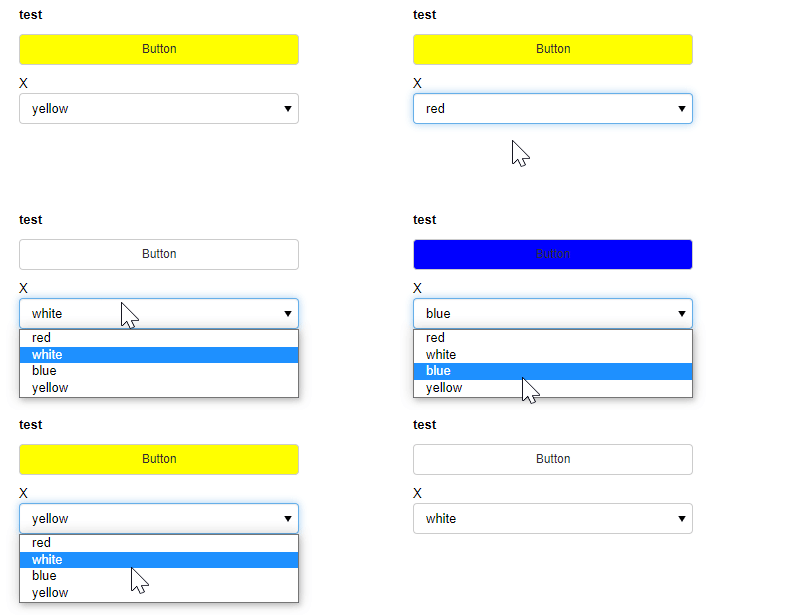
here you have the same option with a selector
import panel as pn
import param

class test(param.Parameterized):
    button = param.Action(lambda x : x.param.trigger('button'))

    colors = ['red','white','blue','yellow']
    x = param.Selector(objects=colors)

    dummy_html = pn.pane.HTML('')

    @param.depends('button','x',watch = True)
    def color(self):
        css = f"""
            <style>
                .redbutton .bk-btn-default{{
                    background-color: {self.x};
                }}
            </style>

            <script>console.log('changing button style') </script>
            """
        #     pn.config.raw_css.append(css)
        print (self.x)
        dummy_html.object = css


viewer = test()


pn.Row(pn.Param(viewer.param), dummy_html, css_classes = ['redbutton']).show()