I want to change fonts in FastListTemplate. In the documentation, there are font and font_url parameters, but neither of them seem to work. Also, no working example is available in the documentation.
Here is a code example with the default setting:
import panel as pn

template = pn.template.FastListTemplate(
    title="Fast List Template Example",
    main=[pn.pane.Markdown("Lorem ipsum dolor sit amet, consectetur adipiscing elit.")],
)


template.servable()
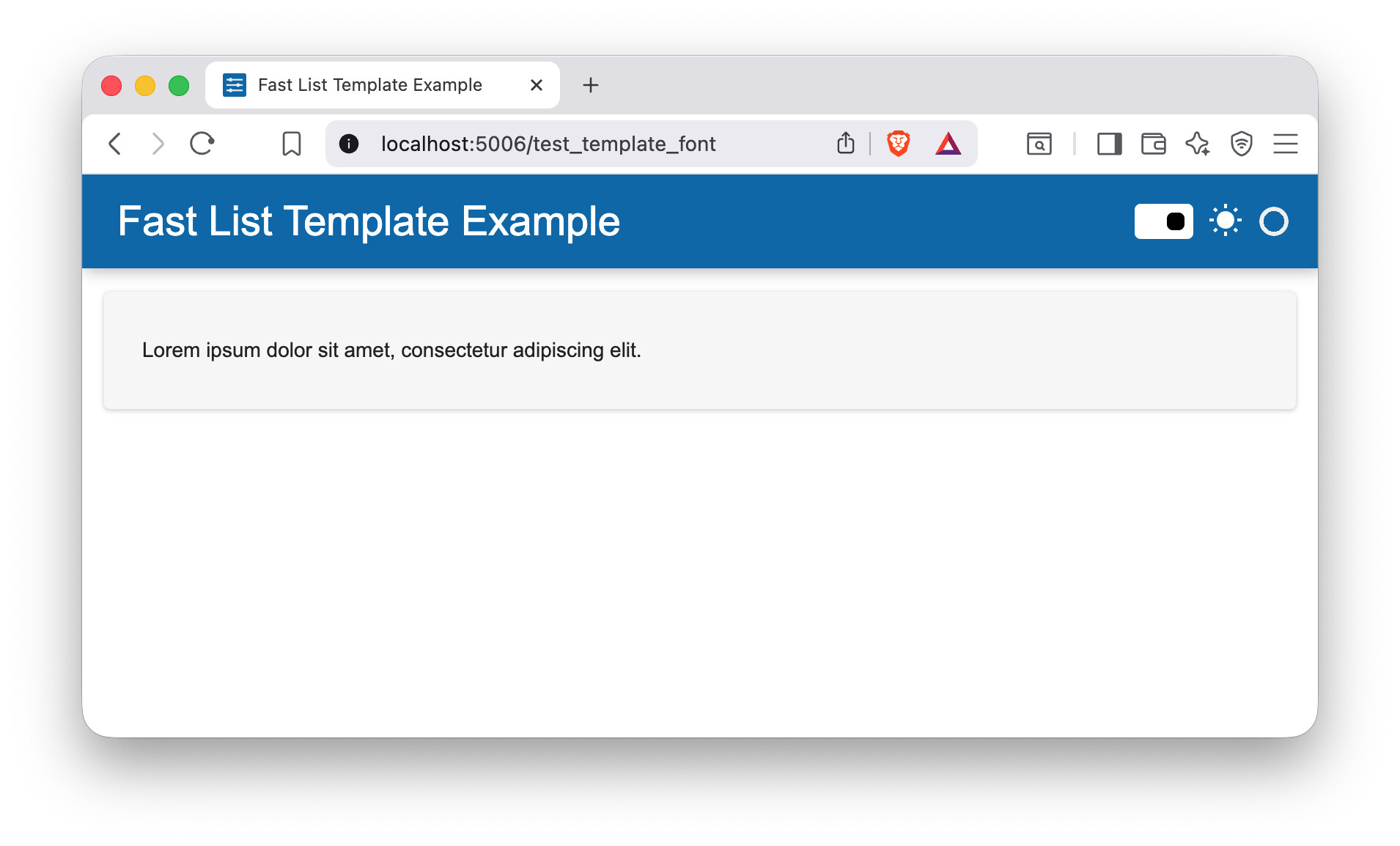
The font-family is set as aktiv-grotesk, "Segoe UI", Arial, Helvetica, sans-serif.
Then, I tried the following to set a different font, but this does not change anything.
import panel as pn

template = pn.template.FastListTemplate(
    title="Fast List Template Example",
    main=[pn.pane.Markdown("Lorem ipsum dolor sit amet, consectetur adipiscing elit.")],
    font="Merriweather",
    font_url="https://fonts.googleapis.com/css2?family=Merriweather:ital,opsz,wght@0,18..144,300..900;1,18..144,300..900&display=swap",
)
It eventually works when set the font with raw_css with !important option.
import panel as pn

template = pn.template.FastListTemplate(
    title="Fast List Template Example",
    main=[pn.pane.Markdown("Lorem ipsum dolor sit amet, consectetur adipiscing elit.")],
    raw_css=[
        """
        @import url('https://fonts.googleapis.com/css2?family=Merriweather:ital,opsz,wght@0,18..144,300..900;1,18..144,300..900&display=swap');

        :root {
            --body-font: 'Merriweather', serif !important;
        }
        """
    ],
)

template.servable()
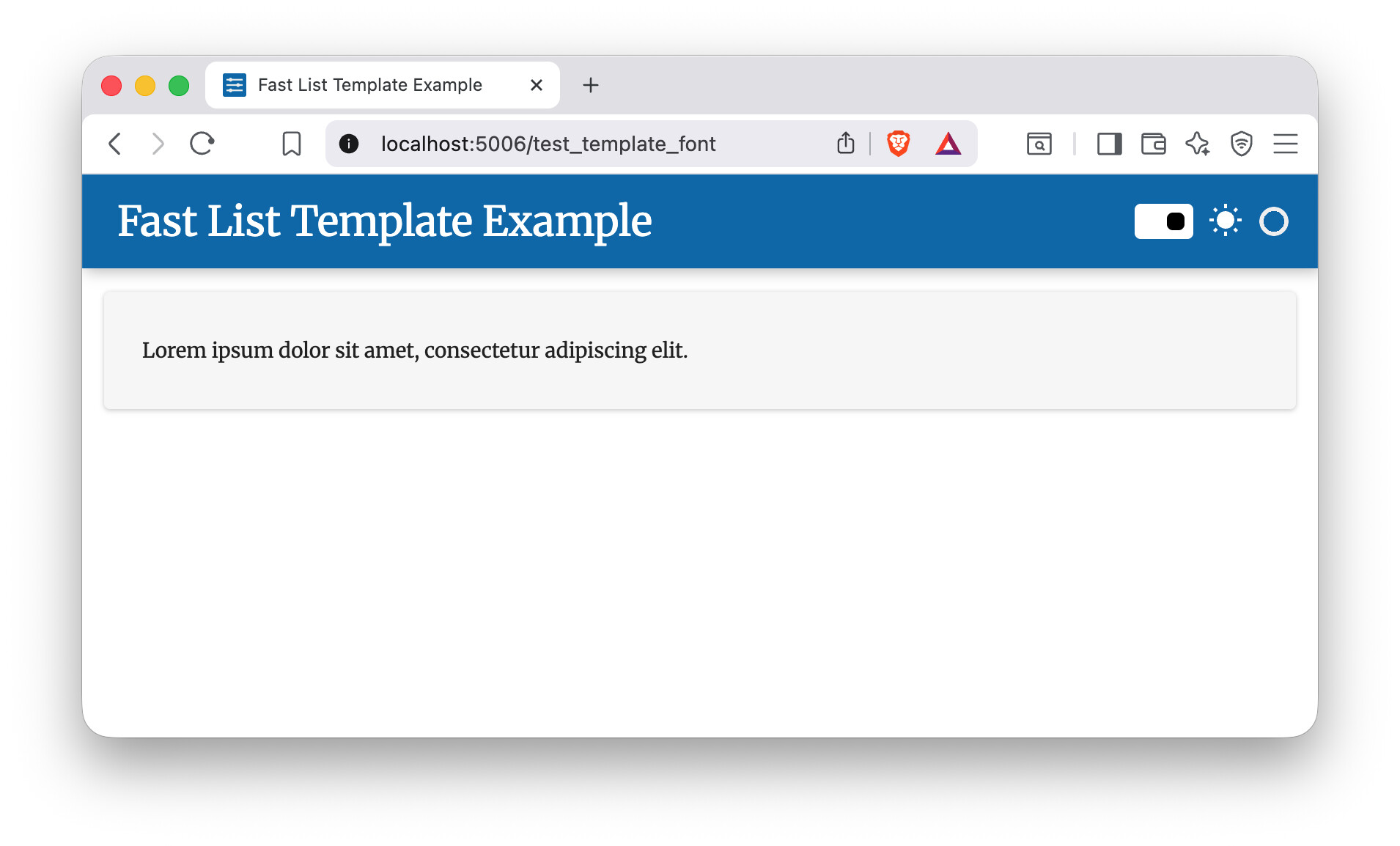
I’d expect that one can set fonts only with font and font_url setting, so I’d like to know how to use these parameters properly.
I’m using Panel 1.8.2 with Python 3.12.12 on macOS 26.1.