From Working with Streaming Data — HoloViews v1.18.1 – Note that when using the Buffer stream the view will always follow the current range of the data by default, by setting buffer.following=False or passing following as an argument to the constructor this behavior may be disabled.
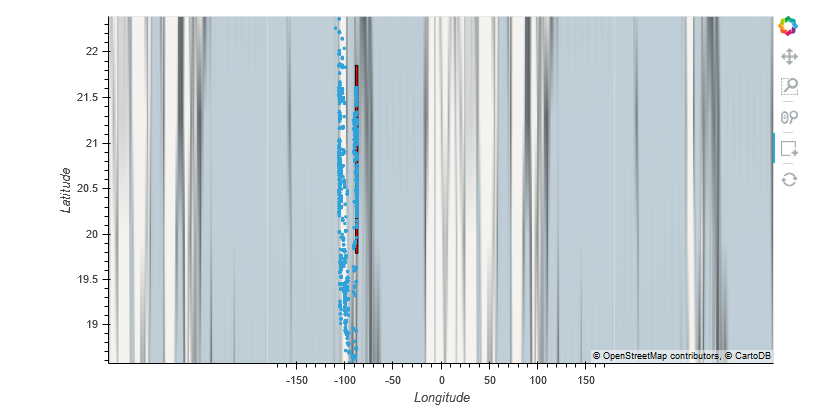
I don’t think this is working properly when the hv.streams.Buffer() is used with Geoviews. When I set following=False it is true that the map extents don’t reset but the overlay does not maintain the correct aspect ratio for the x & y axes so that the plot ends up looking like this even though I set data_aspect=1.